



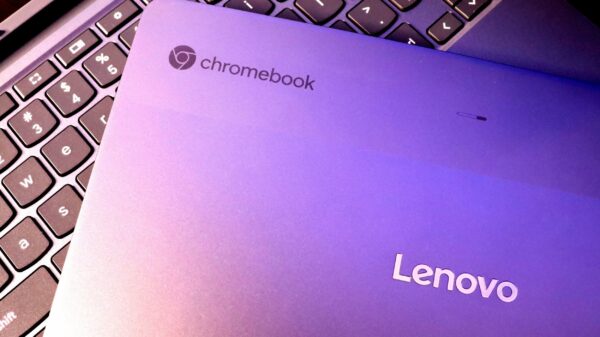


































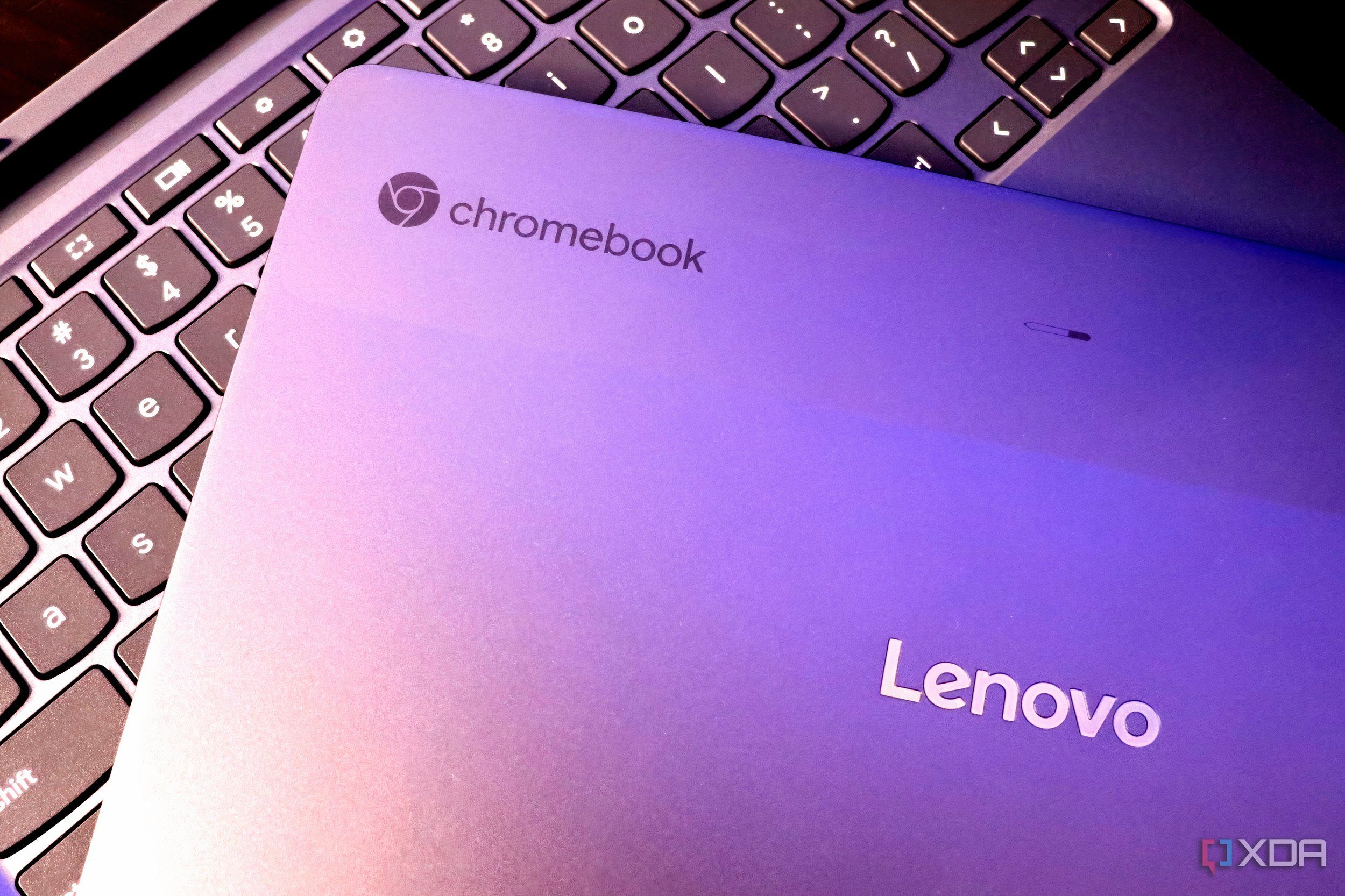
URGENT UPDATE: Repurposing your old Chromebook into a home server is not just a possibility—it’s a trending solution gaining traction RIGHT NOW. As many Chromebooks age out of Google’s support, tech enthusiasts are finding ways to breathe new life into these devices, transforming them from obsolete to essential.
New reports confirm that older Chromebooks, once deemed outdated, can serve as low-cost home servers. With their built-in CPUs, storage, and peripherals, these devices are capable of handling various light workloads, making them perfect for tech-savvy users looking to optimize their home setups.
Why does this matter NOW? With the rise of remote work and the increasing need for smart home solutions, leveraging existing technology is more relevant than ever. Chromebooks are designed for power efficiency, enabling users to deploy them as servers without significant energy costs. This transition not only saves money but also minimizes electronic waste—a growing concern in today’s tech-driven society.
Chromebooks typically feature low-power x86 or ARM processors, allowing them to run quietly while consuming minimal power. With many models being fanless, they are ideal for small spaces where noise and heat are concerns. Unlike single-board computers, Chromebooks come with built-in screens, keyboards, and trackpads, eliminating the hassle of additional setups.
However, to unlock the full potential of these devices, users must replace ChromeOS with a Linux operating system. This process is made easier by community projects like MrChromebox’s firmware, which allows for the installation of UEFI firmware on supported x86 Chromebooks. Upon installation, users can choose from a variety of Linux distributions, such as Ubuntu server or Debian, thus transforming their Chromebooks into functional servers.
What workloads can these repurposed Chromebooks handle? They are best suited for light, always-on services like Pi-hole or AdGuard, local DNS resolvers, and monitoring tools. Containerized workloads, such as Docker stacks for personal websites or internal tools, also run smoothly. Additionally, VPN endpoints like WireGuard or Tailscale are excellent fits due to their low power draw.
However, it’s essential to manage expectations. Chromebooks are not powerful and lack the capacity for heavy virtualization or storage-intensive tasks. High-write databases or large media libraries are better managed on more robust systems. Storage limitations are another factor to consider; many Chromebooks use soldered eMMC storage that may not endure high write tasks.
Despite these challenges, good news emerges from the fact that many server workloads are read-heavy. For instance, services like DNS servers and dashboards do not require extensive write operations, making Chromebooks viable for such tasks. Users can also enhance performance by using external USB SSDs for write-heavy tasks.
Networking capabilities on Chromebooks are limited, typically featuring only Wi-Fi. While this may rule them out as routers or firewalls, Wi-Fi is often sufficient for internal services. For those requiring a wired connection, USB Ethernet adapters can provide additional stability, although they may not be ideal for critical infrastructure.
The bottom line? Old Chromebooks may not replace high-performance servers, but they offer a unique opportunity for tech enthusiasts to experiment with home server setups. They are efficient, quiet, and can run Linux, making them a perfect starting point for those venturing into home server technology.
Don’t let your old Chromebook gather dust—consider the potential it holds TODAY! For those ready to dive into this innovative solution, the benefits are clear: save money, reduce waste, and create a functional home server that meets your needs. Share this news and inspire others to explore the capabilities of their unused devices!