






































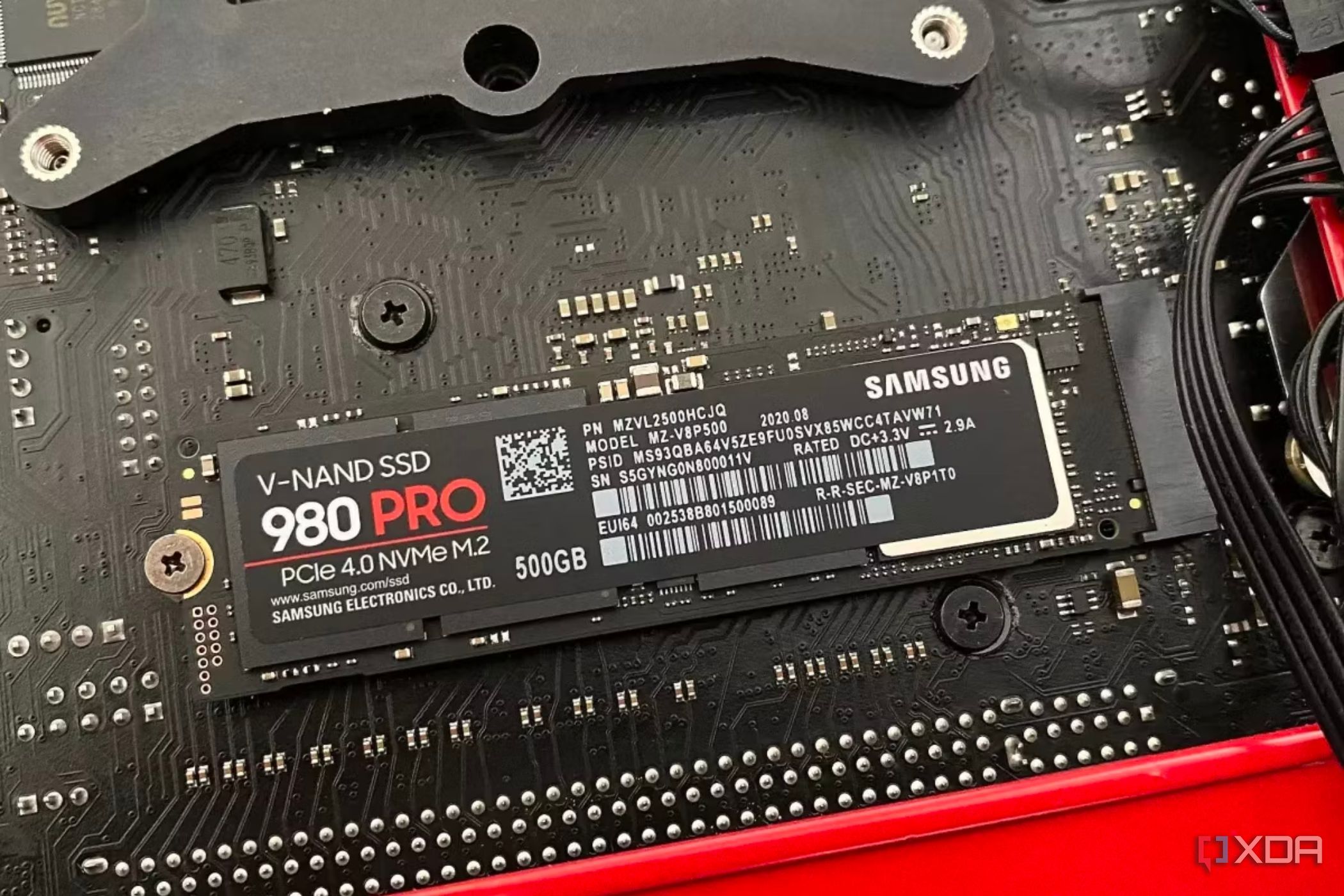
URGENT UPDATE: If your SSD is feeling sluggish, you’re not alone. New reports confirm that many users are experiencing significant slowdowns in SSD performance as time goes on. This degradation isn’t due to wear and tear, but rather a set of critical factors that require immediate attention.
In today’s tech landscape, SSDs are favored for their speed and reliability. However, neglecting basic maintenance can lead to major performance issues. Experts warn that outdated firmware and insufficient cooling are top contributors to the problem, which could impact your work, gaming, or daily tasks.
1. Outdated Firmware
Many users overlook the importance of keeping their SSD firmware updated. Manufacturers occasionally release updates to address critical flaws and optimize functions like TRIM and wear leveling. Failing to install these updates can lead to decreased performance and even shorten your SSD’s lifespan. Check your SSD software for updates immediately—this quick fix can take mere seconds and is essential for maintaining peak performance.
2. Thermal Throttling
Thermal throttling can affect any SSD, not just high-end models. Dust buildup in your PC can significantly restrict airflow, causing your SSD to overheat and throttle speeds during heavy use. If your SSD temperature approaches 70°C, it could be operating at reduced speeds. Use tools like HWiNFO to monitor your drive’s temperature and ensure effective cooling measures are in place. Regular cleaning of your PC can prevent this issue and drastically improve performance.
3. Depleted SLC Cache
Most consumer SSDs utilize a portion of the drive as a pseudo SLC (pSLC) cache to achieve high write speeds. Over time, this cache can deplete, causing write speeds to drop significantly. As space for the SLC cache becomes limited, your SSD will default to slower TLC or QLC NAND, resulting in frustrating performance lags. If your SSD is nearing capacity, this issue is magnified, so keeping some free space is essential.
4. Lack of Breathing Room
A nearly full drive can disrupt essential processes like garbage collection, which is critical for maintaining performance. When there isn’t enough free space, the SSD struggles to efficiently manage data, leading to slower write speeds. Experts recommend keeping at least 10-20% of your SSD free to ensure smooth operation.
These factors can lead to a noticeable degradation in speed, making it crucial for users to take immediate action. Regular maintenance checks, including firmware updates, dusting out your PC, and managing storage capacity, can prevent your SSD from feeling older than its actual lifespan.
Ignoring these issues not only affects performance but can also hinder productivity and impact your digital experience. Don’t let your SSD’s performance suffer—act now to ensure it operates at its best, even after years of use. Share this information to help others avoid these common pitfalls and keep their systems running smoothly!