
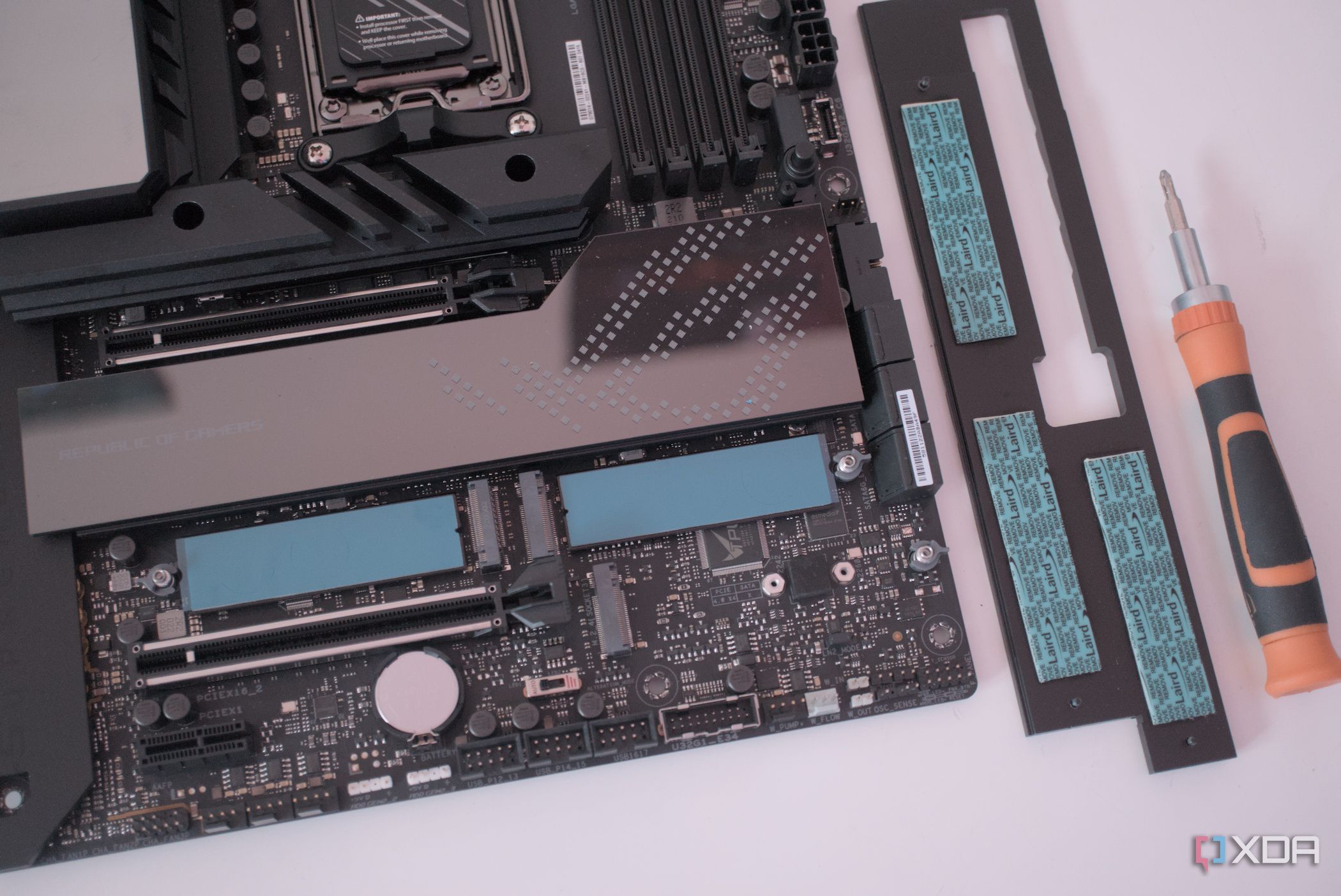






































URGENT UPDATE: Tech enthusiasts are being urged to take advantage of their motherboard’s extra M.2 slots for enhanced performance and connectivity! Most modern motherboards feature multiple M.2 slots, and many users are missing out on their potential beyond just SSD storage.
New insights reveal that these vacant M.2 slots can be used to install a variety of expansion cards, offering a simple way to boost your PC’s capabilities. Whether you need additional USB ports, improved networking, or even AI processing power, it’s time to stop letting these slots go to waste!
Why This Matters RIGHT NOW: As users increasingly rely on high-speed internet and diverse digital tasks, expanding your PC’s connectivity is crucial. With remote work and online gaming more prevalent than ever, maximizing your hardware’s potential can significantly impact productivity and performance.
Latest Developments: Many users are still using outdated Ethernet connections, but upgrading to a multi-gig Ethernet card through an M.2 slot can elevate your setup from a basic 1GbE to a lightning-fast 5GbE or 10GbE. This upgrade is essential for those looking to handle large file transfers or create a home server.
Additionally, the demand for more USB ports is skyrocketing. Many budget and older motherboards fall short, often providing just enough connectivity for essential devices. Installing a USB expansion card into a vacant M.2 slot can remedy this, allowing you to connect more devices without the hassle of constantly swapping cables.
Moreover, users interested in artificial intelligence can leverage M.2 slots to install an AI accelerator card. These cards can provide up to 40 TOPS of AI compute, significantly enhancing capabilities for machine learning tasks right from your desktop.
Quick Tips:
– Always check the compatibility of your M.2 slot (M key or A+E key) before purchasing any expansion cards.
– If you’re looking to add storage, consider an M.2 to SATA adapter to expand your hard drive capabilities without needing additional SATA ports.
– For gamers, a secondary GPU can be installed via an M.2 to PCIe adapter, allowing for dedicated processing without compromising your primary graphics card’s performance.
Next Steps: If you have a motherboard with extra M.2 slots, now is the time to explore the possibilities! With easy-to-install expansion cards, you can transform your aging system into a robust powerhouse for work and play.
Don’t miss out on maximizing your PC’s potential! Share this information with fellow tech enthusiasts and help them discover the untapped power of their hardware.