








































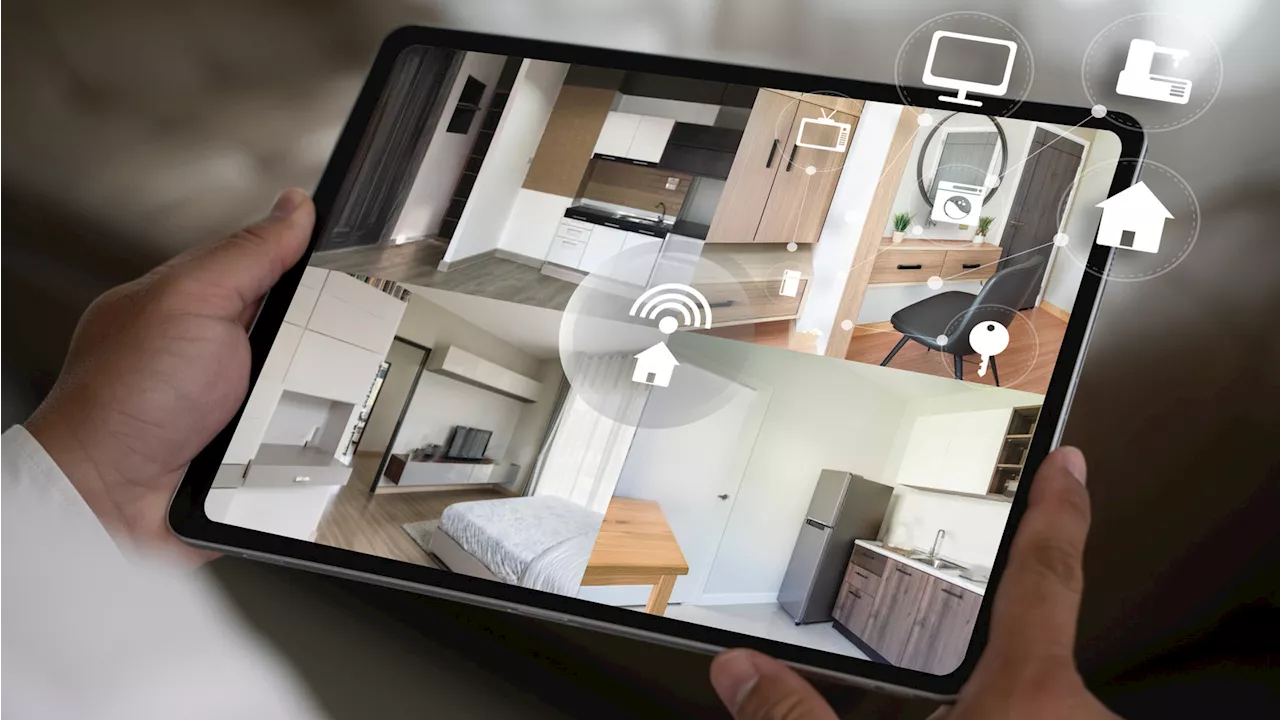
The rising cost of home security systems often deters homeowners from investing in protection for their properties. For example, a Ring Alarm 14-piece home security kit can cost around $329, while an eight-piece kit from SimpliSafe retails at approximately $239. However, a simple DIY approach using existing or inexpensive webcams offers a practical alternative.
Webcams, often overlooked, can serve as a cost-effective security solution. By connecting these devices to a computer and utilizing specialized software, homeowners can establish a basic security network without spending a fortune. This method takes advantage of the growing affordability of webcams, making it accessible even for those who need to purchase additional units.
Setting Up Your DIY Security System
Creating a DIY home security system is straightforward and can be accomplished in a few steps. First, gather the webcams you plan to use. If you have old ones lying around, repurpose those; otherwise, many affordable options are available on the market. It is essential to ensure that the webcams you choose are compatible with your computer.
Next, select a webcam security software. Options such as Alfred, iSpy, and Security Eye are popular choices that offer free versions with essential features. Once you have downloaded and installed the software, it is time to decide on camera placement. Strategic locations include entrances to monitor who is coming or going, central areas like living rooms, or specific spots where valuables are kept.
After positioning the webcams, connect them to your computer. Verify that each video feed is functioning correctly and that the software is capturing the desired footage. Conducting tests will help ensure that your system operates smoothly, providing you with peace of mind.
Choosing the Right Software and Enhancing Security
The choice of software can significantly influence the effectiveness of your DIY security system. Each application has unique features suited to various needs. For instance, Alfred is compatible with both computers and mobile devices, allowing for flexible monitoring options. Users can even repurpose old smartphones as additional cameras.
iSpy is another versatile option, supporting Windows, macOS, and Linux. It integrates with smart home devices such as Amazon Alexa and offers notifications for potential security breaches, ensuring users can respond promptly to any incidents. Meanwhile, Security Eye focuses on Windows users and includes features like motion detection and the ability to schedule recording times, enhancing convenience.
As webcams can introduce some security vulnerabilities, it is crucial to prioritize digital safety. Regularly updating webcam firmware and changing default passwords can significantly reduce risks. The software options mentioned earlier provide built-in security measures that help safeguard your system.
This DIY approach allows homeowners to create a functional security network without substantial financial investment. By repurposing old technology and utilizing free software, individuals can enhance their home security effectively and affordably.