








































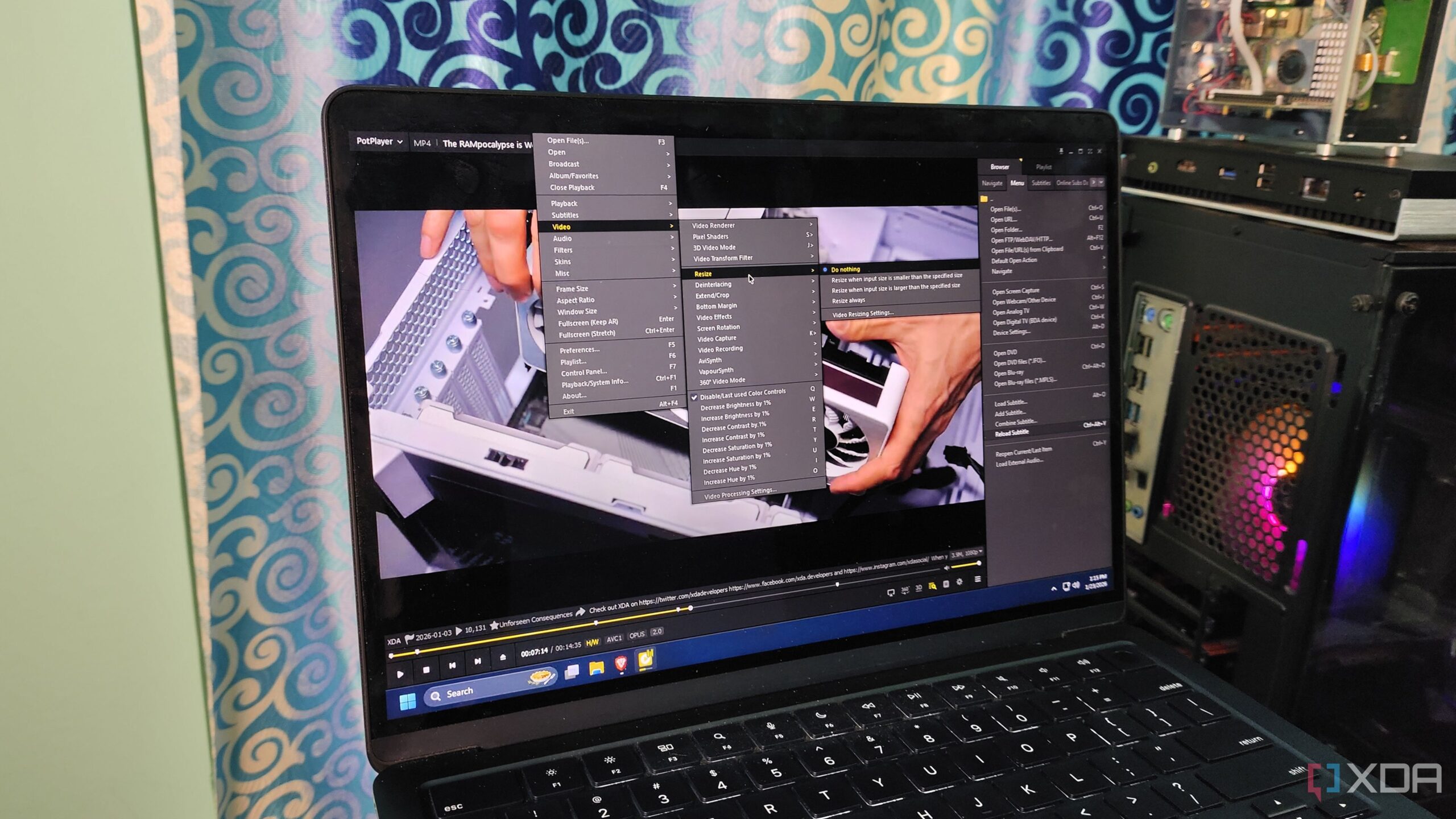
The PotPlayer media player has gained attention as a compelling alternative to the long-standing VLC media player, especially for Windows users. While VLC has been a staple for many due to its cross-platform support and ability to handle various media formats, PotPlayer offers a range of advanced features that enhance the user experience for media playback.
Enhanced Features and Accessibility
For users who often manage a vast collection of media, PotPlayer’s integration with Whisper technology stands out. This feature allows users to generate subtitles directly from their video content, leveraging the processing power of graphics cards like the RTX 3080 Ti. Although the live transcription may have some limitations, the ability to save subtitles as SRT files provides users with added flexibility. Furthermore, PotPlayer can translate these subtitles into various languages, making a wider array of content accessible to diverse audiences.
While VLC supports a range of video formats and can play DVDs and Blu-rays, PotPlayer takes functionality a step further. It allows users to stream content not just from local files but also from URLs, which is ideal for accessing platforms such as YouTube and Twitch. The media player also supports various protocols like FTP and SFTP, making it a versatile option for media consumption.
Advanced Video Processing Capabilities
When it comes to video processing, PotPlayer excels with its extensive settings. It offers a variety of video filters and processing tools that cater to individual preferences, surpassing VLC’s capabilities. Users can adjust video capture settings and utilize tools like AviSynth and VapourSynth for advanced media processing. The inclusion of dedicated playlist tabs and video previews adds to the overall quality-of-life features, enhancing the user experience.
Despite its advantages, PotPlayer has notable limitations. Currently, it is only available for Windows operating systems, which restricts its accessibility for users on Mac or Linux systems. This exclusivity means that users who rely on multiple operating systems might still prefer VLC for its compatibility and familiar interface across different devices.
In conclusion, while PotPlayer has emerged as a powerful alternative to VLC, it is essential to consider the specific needs of the user. For those who primarily use Windows, PotPlayer’s advanced features and capabilities may make it the preferred choice. However, VLC’s cross-platform support and extensive add-ons continue to keep it relevant for a broad audience. As media consumption evolves, both players have their unique strengths that cater to different user preferences.