





















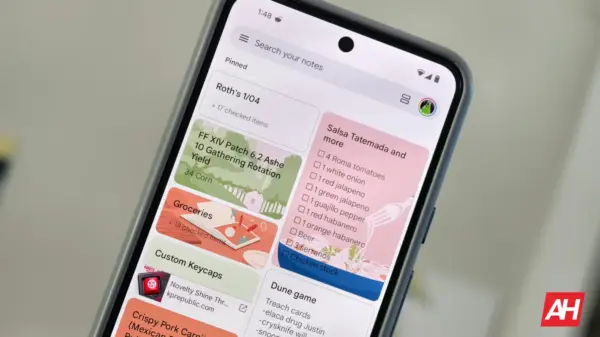













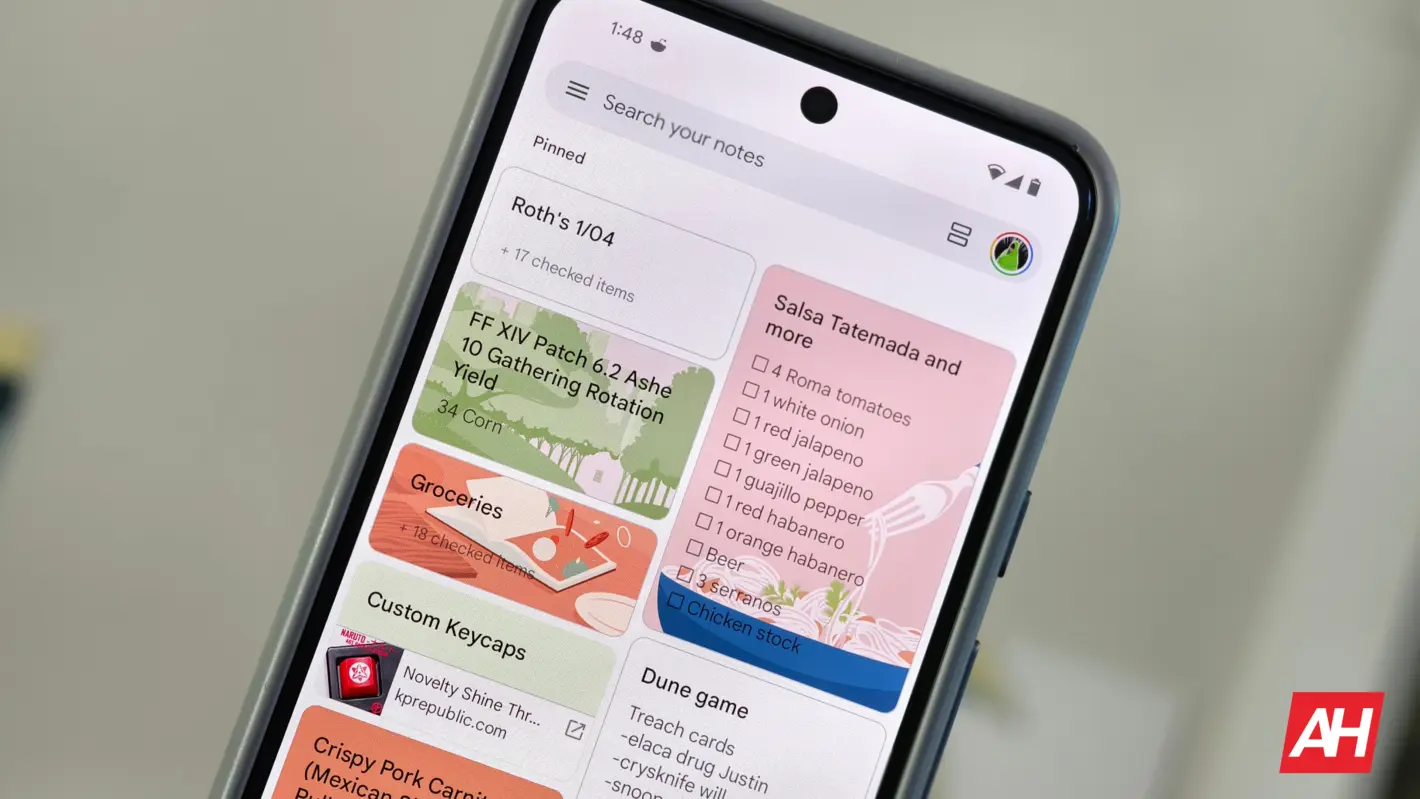
Google Keep has begun rolling out the integration of its reminder feature with Google Tasks, a change that users have been anticipating since it was first announced in October 2023. This update enables users to manage their reminders more efficiently by consolidating them into the Tasks app, enhancing the overall user experience for those who rely on Google’s productivity tools.
The transition process involves a prompt that informs users when the integration is available on their devices. Once activated, a notification stating “Reminders are now Google Tasks” will appear when users tap the bell icon located in the top-right corner of their notes. This initiative follows a decision made in April 2022 when Google confirmed that reminders from Keep would migrate to Tasks, paving the way for a more streamlined approach to task management.
Key Features of the Integration
With the new functionality, users can view, edit, and complete reminders across multiple platforms, including Google Assistant, Calendar, Gemini, Tasks, and Keep. The integration introduces a blue Tasks icon at the top of the note sheet, symbolizing the migration of reminders. Users still have access to various scheduling options, such as “Tomorrow morning,” “Tomorrow evening,” “Same day,” and “Next week.” Additionally, there is an option to select specific dates and times, including repeat intervals.
However, it is important to note that Google has removed location-based reminders, such as “Home,” “Work,” and “Pick a place,” since these features are not supported in Google Tasks. This change may affect users who relied on location reminders for managing their schedules.
Once users set a date or time for a reminder in Google Keep, it will automatically appear in both the Tasks app and the Calendar grid. Each reminder from Keep will be labeled “From Keep” within Tasks, ensuring clarity regarding its origin. Google Keep will maintain a “Reminders” page accessible via the navigation drawer, allowing users to delete either the note or both the note and the reminder if needed. However, deleting reminders from Tasks does not provide the same options.
Changes in Notification and Editing Features
As part of this transition, Google Keep will cease sending notifications for reminders. Instead, notifications will be managed through Google Calendar or Tasks, which may alter how users receive updates about their tasks. Users will continue to have the ability to edit the date and time of reminders within Keep, Tasks, or Calendar, while marking reminders as complete can be done from any of the integrated applications. Notably, the ability to change a reminder’s name is restricted to the Calendar and Tasks apps.
Currently, this integration is being rolled out gradually, and not all users will have immediate access. Reports indicate that the changes are appearing in Google Keep Notes version 5.25.461.02.90. The rollout may take time to reach all users, so patience is required as the integration becomes widely available.
This significant update reflects Google’s ongoing commitment to enhancing productivity tools, creating a more cohesive experience for users who utilize multiple Google applications. As the rollout progresses, users can expect a more efficient way to manage their tasks and reminders across platforms.