




































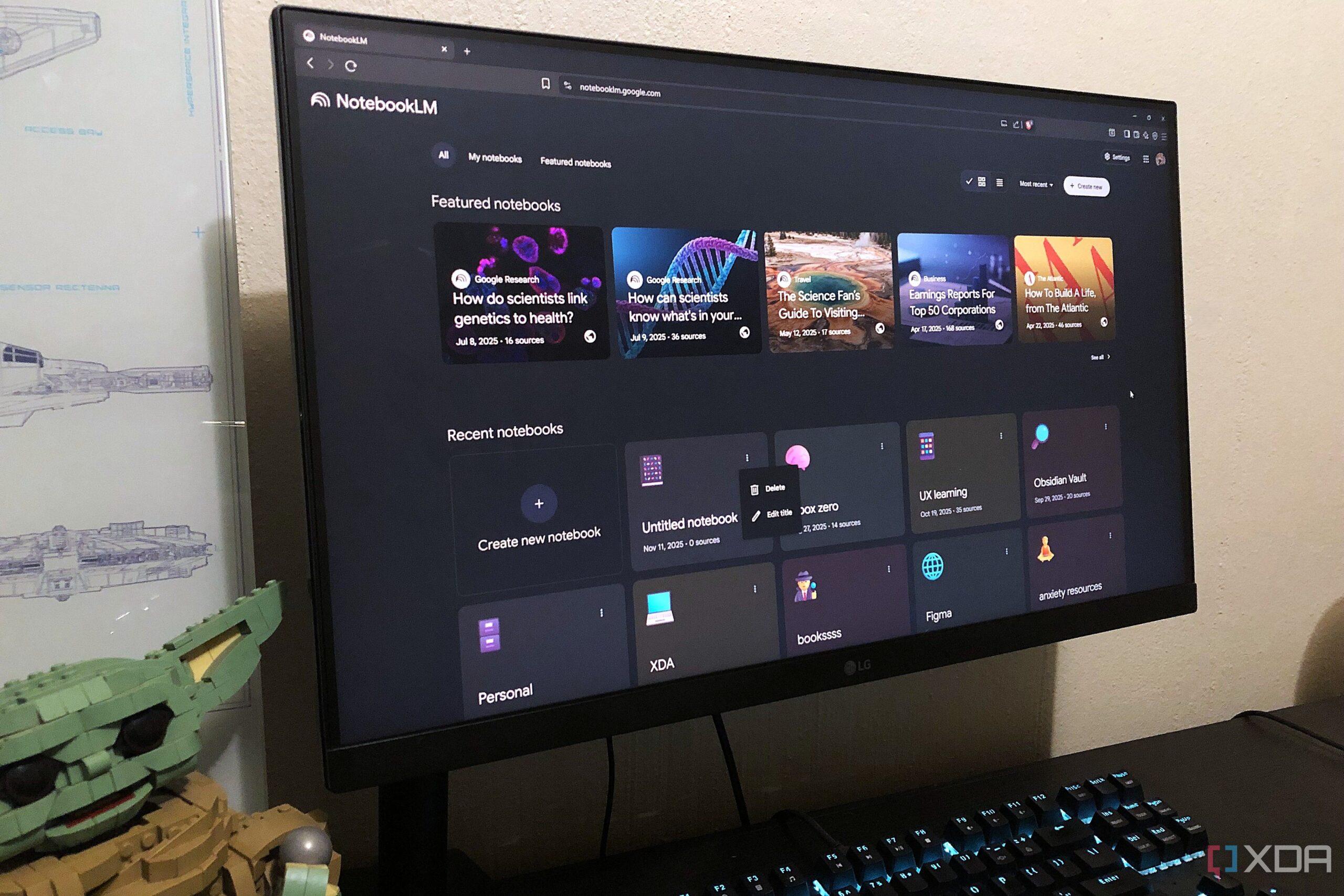
The features of NotebookLM’s Studio panel have emerged as essential tools for users, enhancing the app’s functionality beyond simple note-taking. These capabilities allow users to transform their sources into various formats, facilitating a more interactive and comprehensive experience. Many users may not fully appreciate the potential of these features, which serve as a significant upgrade to how content is organized and utilized within the app.
Exploring the Studio Panel Features
The NotebookLM Studio features are accessible from the right-side panel of the user interface. Instead of requiring extensive organization or recreation of content, these tools enable users to transform their input with a single click. Each feature is customizable, allowing options for format, length, and focus. Currently available tools include:
– **Audio Overview**: Provides an audible summary of your sources.
– **Video Overview**: Offers an animated sequence of images related to your content.
– **Mind Map**: Generates an interactive and interconnected representation of information.
– **Reports**: Allows users to create structured documents from their sources.
– **Flashcards**: A tool for quick learning reinforcement.
– **Quizzes**: Tests knowledge retention.
– **Infographic**: Visualizes information for easier comprehension.
– **Slide Deck**: Converts sources into presentation slides.
– **Note Feature**: A rich text editor for note-taking.
These features have streamlined the workflow for many users, eliminating the need to switch between multiple applications for various tasks.
Innovative Mind Mapping and Learning Tools
Previously, users relied on tools like Mermaid for mind mapping, which required manual input and could be time-consuming. The NotebookLM mind mapping feature significantly alters this process by generating accurate maps based on selected sources, saving time and enhancing productivity. Users can interact with these maps, expanding nodes for deeper engagement with the content, and even download them as PNG files. This is particularly beneficial for visual learners.
NotebookLM also simplifies the learning process through its Quiz and Flashcard features. These tools allow users to assess their understanding without leaving the app. With the generative nature of these features, users save time that would otherwise be spent creating study aids. The interactive aspect enables users to request hints, check answers, and delve deeper into explanations. Customization options for both quizzes and flashcards enhance the learning experience by allowing users to adjust the number of questions and difficulty levels.
Supporting Accessible Learning
The Audio and Video Overview features were designed to promote inclusive learning. The Audio Overview function generates a podcast-style narration of the sources, beneficial for users with visual impairments or reading challenges. Meanwhile, the Video Overview creates an animated representation of the content, complete with narration, making it a favorite among users for its engaging format. While some images may not always meet user expectations, customization allows for tailored visual and informational content.
The Note feature, although not a dedicated note-taking application, serves its purpose effectively. Users can jot down ideas or topics for future exploration, which can later be converted into sources. The ability to export notes to platforms like Google Docs further enhances its utility, making it a versatile tool for both casual users and serious researchers.
In conclusion, the Studio features of NotebookLM elevate the app’s functionality to new heights. While the AI chat capabilities are impressive on their own, the Studio features create an almost separate compartment within the app that transforms content into usable formats. This integration not only makes learning more engaging but also supports users in their diverse learning styles. As more individuals discover the power of these tools, NotebookLM is likely to become an indispensable resource for both learning and productivity.